| Setting up Oneindia widget on your Blog hosted by Blogger.com |
| Step 1 |
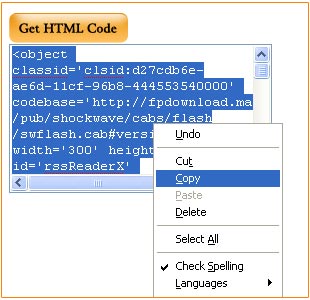
| Click on the get code button, highlight your code, right click and copy. |
 |
| Step 2 |
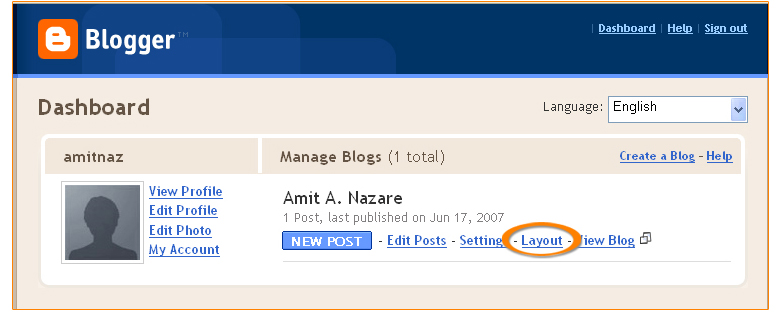
| Log in to your blogger account, select your blog and then click on Layout. |
 |
| Step 3 |
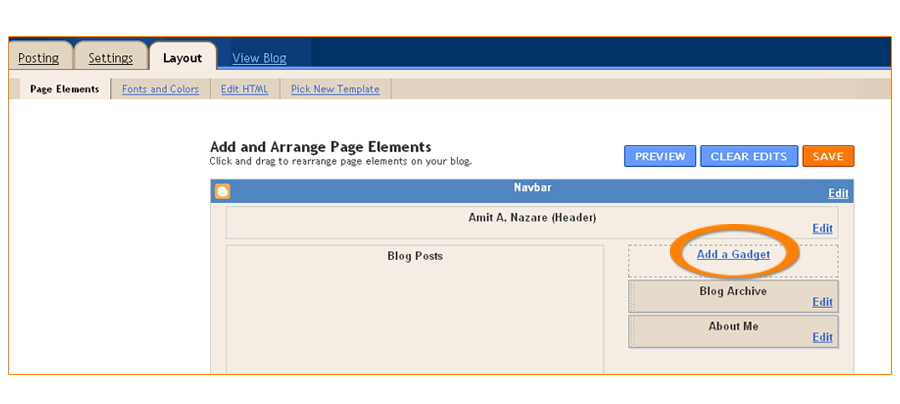
| Click on Add a Gadget Link as shown in figure below. |
 |
| Step 4 |
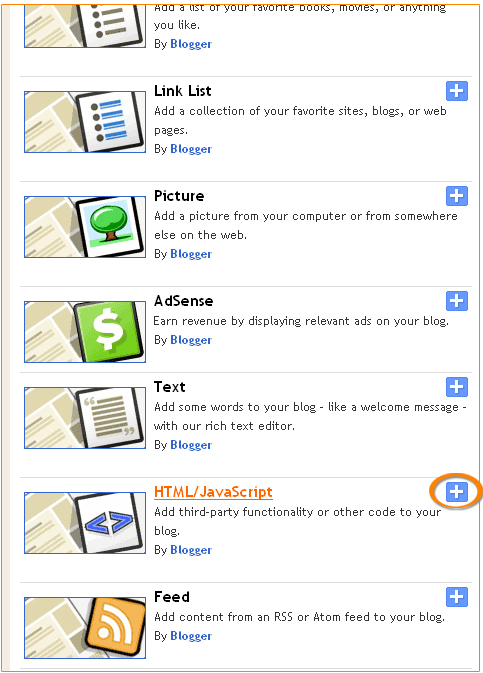
| A popup screen will appear and will ask you to pick a new page element. Look for HTML/JavaScript and click on the + icon. |
 |
| Step 5 |
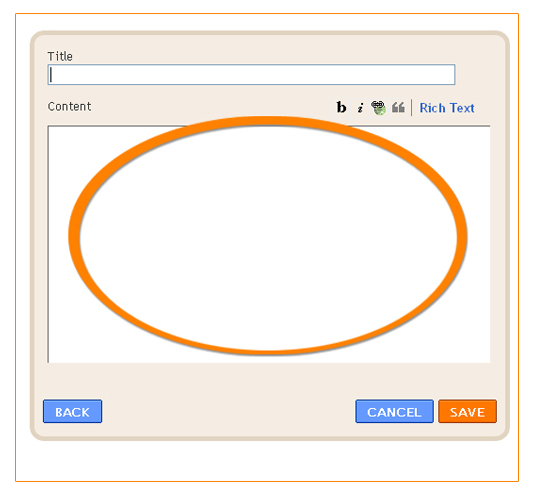
| Copy the code into the textarea. Then click on Save button. |
 |
| Step 6 |
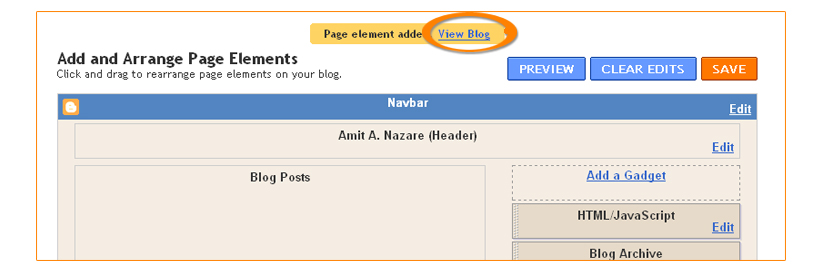
| Click on the view blog link to view the widget. |
 |
| Step 7 |
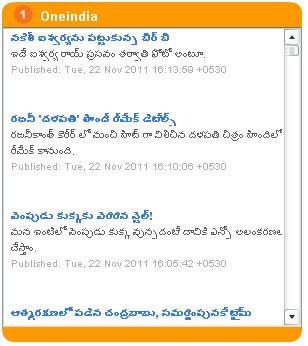
| You will now see your Oneindia widget. |
 |

